If you are only shipping one file, you are going to miss a platform. Browsers, iOS, and PWAs all look for different icons, and they do not agree on a single format.
The fastest way to cover everything is to generate a complete pack:
- Favicon Generator creates
favicon.ico, PNG sizes,apple-touch-icon, a web manifest, and an HTML snippet.
The short answer: ship a pack, not a single icon
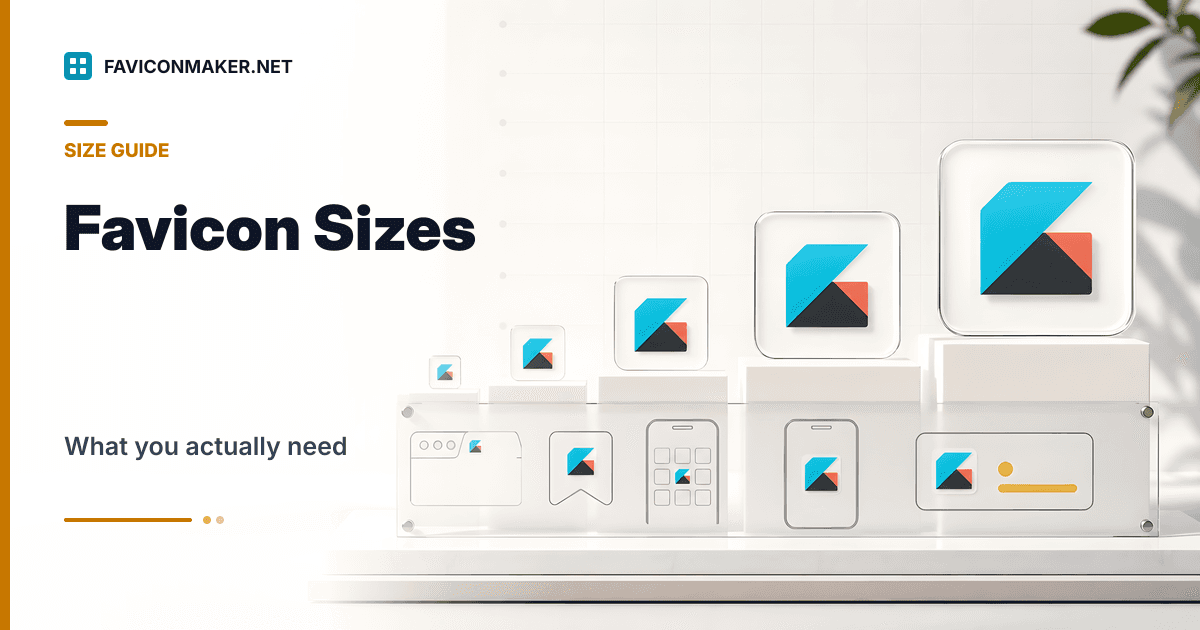
If you want broad coverage, ship these:
favicon.ico(multi-size)favicon-16.pngandfavicon-32.pngapple-touch-icon.png(180x180)site.webmanifest(and the icon files it references)browserconfig.xml(optional, but cheap to include)
If you generate a pack, you can copy it into a folder like /favicons and paste the snippet. That avoids hand-maintaining tags.
What each file is for (practical mapping)
| Where the icon shows | File(s) | Why it matters |
|---|---|---|
| Browser tab, legacy support | favicon.ico | Some user agents still prefer ICO, and it can embed multiple sizes. |
| Browser tab, modern | favicon-16.png, favicon-32.png | Modern browsers use PNG link tags with explicit sizes. |
| iOS home screen | apple-touch-icon.png | iOS uses this for "Add to Home Screen". |
| PWA install UI | site.webmanifest icons | Installable apps read icons from the manifest. |
| Windows tile (legacy) | browserconfig.xml | Older Windows tile metadata, still seen in the wild. |
A sane default set (that you rarely regret)
If you are deciding what to include, this set is a good baseline:
- 16x16 and 32x32 for browser tabs
- 180x180 for iOS (
apple-touch-icon.png) - 192x192 and 512x512 for PWA installs (in the manifest)
- An ICO that embeds multiple sizes (16/32/48/64)
The Favicon Generator outputs all of these and generates the tags in a sensible order.
Example: a simple, correct <head> snippet
If your files live in /favicons, this is the shape of the snippet you want:
<link rel="icon" type="image/x-icon" href="/favicons/favicon.ico" />
<link rel="icon" type="image/png" sizes="16x16" href="/favicons/favicon-16.png" />
<link rel="icon" type="image/png" sizes="32x32" href="/favicons/favicon-32.png" />
<link rel="apple-touch-icon" sizes="180x180" href="/favicons/apple-touch-icon.png" />
<link rel="manifest" href="/favicons/site.webmanifest" />
<meta name="theme-color" content="#0891b2" />
Do not copy this blindly. The path must match where you deployed the files. If you want a ready-to-use snippet that matches your chosen path and colors, generate it with the Favicon Generator.
Common mistakes that lead to blurry or missing icons
Shipping a single 16x16 image and letting everything upscale
Upscaling a tiny source looks bad. Start from a large source (512x512 is a good baseline), then generate down.
Forgetting the Apple touch icon
If you care about iOS, you need apple-touch-icon.png. Browsers do not magically reuse your 32x32 favicon for home screen icons.
Linking a manifest that does not match your deployed path
If site.webmanifest references /favicons/favicon-512.png but you deployed to /icons/, installs will break.
Using the wrong MIME type or returning errors
Broken icon URLs can lead to silent fallbacks. If you want to see what is actually being served, run the Favicon Checker.
Next steps
- Generate a full pack: Favicon Generator
- Audit what your site currently serves: Favicon Checker
- Only need
favicon.icofrom a PNG: PNG to ICO