Guides and troubleshooting
Practical posts for shipping favicons correctly, debugging cache issues, and getting cross-platform coverage.

How to Change Your Webflow Favicon
Change your Webflow favicon in Site Settings, publish it, and verify the live result. Current upload steps, dark-mode icons and focused troubleshooting.
Animated favicon: what actually works in each browser
Only Firefox animates a GIF favicon. Chrome, Edge, and Safari show one frame. Here is the GIF route, the JavaScript route, and how to pick without breaking your icon everywhere else.

How to Change Favicon on Wix
Step-by-step: change your Wix favicon from the dashboard Settings, understand Premium + domain requirements, choose the right file format/size, and troubleshoot caching and Google display.

How to Change Favicon on Shopify
Step-by-step: change your Shopify store favicon via Theme settings, pick the right 16×16/32×32 image, understand plan limitations, and fix common caching and Google display issues.

How to Change Favicon in WordPress
Step-by-step: set (or change) your WordPress Site Icon / favicon in WordPress 6.5+ and older versions, choose the right image size, and troubleshoot caching and Google search display.

How to Change Favicon in Squarespace
Step-by-step: upload a custom favicon (browser icon) in Squarespace 7.1 or 7.0, pick the right PNG size, add a dark mode version, and fix common “favicon not updating” cache issues.
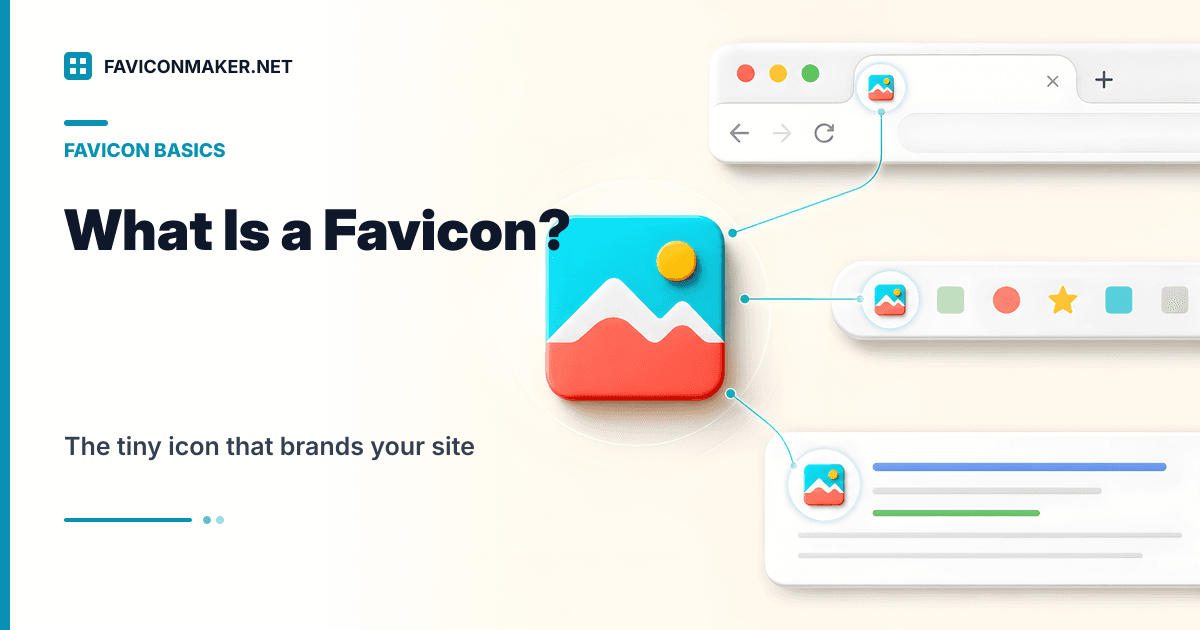
What Is a Favicon
A favicon is the tiny icon for your site that appears in browser tabs, bookmarks, and sometimes Google results. Learn what it is, which files you actually need, and how to implement a modern favicon pack.

Favicon Not Showing in Google Search
Diagnose why Google is missing or showing an old site icon, verify every crawl requirement, and submit the right page for recrawling.

Add a Favicon to HTML
Install a browser icon with correct paths and markup, expand it into a full Apple and PWA pack, configure responses, and verify the live deployment.
Favicon HTML tags: a minimal snippet that works (plus the optional extras)
Copy a favicon snippet you can trust, understand what each tag does, and verify it on your live site in under a minute.

Square Logo Design
Turn a wide brand into a strong square mark with a practical brief, grid, safe-area method, small-size tests, crop checks, and complete export handoff.
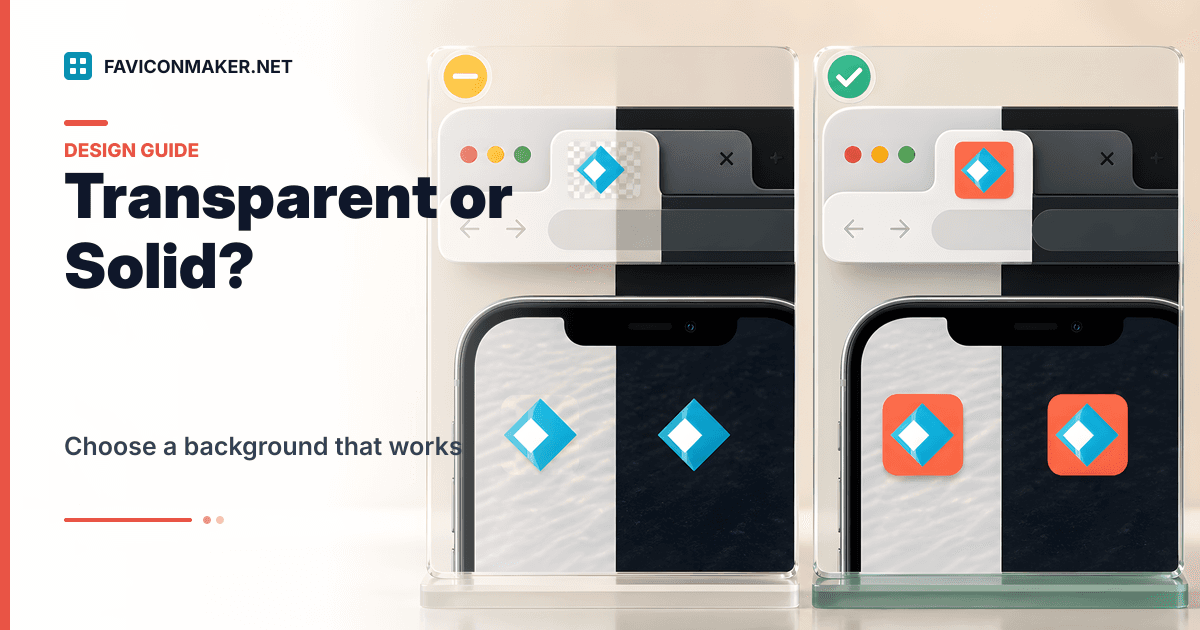
Transparent vs solid-background favicons: what looks right in tabs and on iOS
Transparent PNGs look clean, but they can disappear in dark UI or on busy backgrounds. Use this quick guide to choose a background that stays readable everywhere.
Favicon launch checklist: verify tabs, iOS, PWA, and caching before you ship
A production preflight checklist for favicons. Deploy a complete pack, paste the right <head> tags, audit status codes and dimensions, and test across devices without fighting cache.
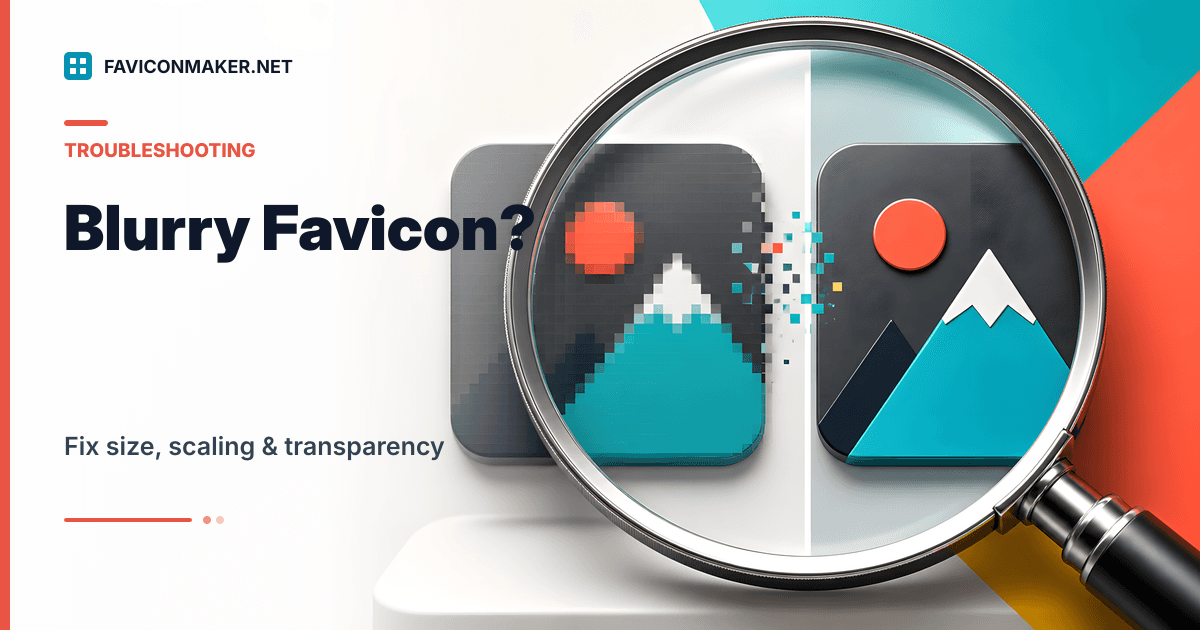
Favicon looks blurry? Fix size, scaling, and transparency in minutes
Blurry favicons usually come from a small source image, bad downscaling, or missing sizes in your <link> tags. Use this checklist to regenerate clean icons and verify what is live.
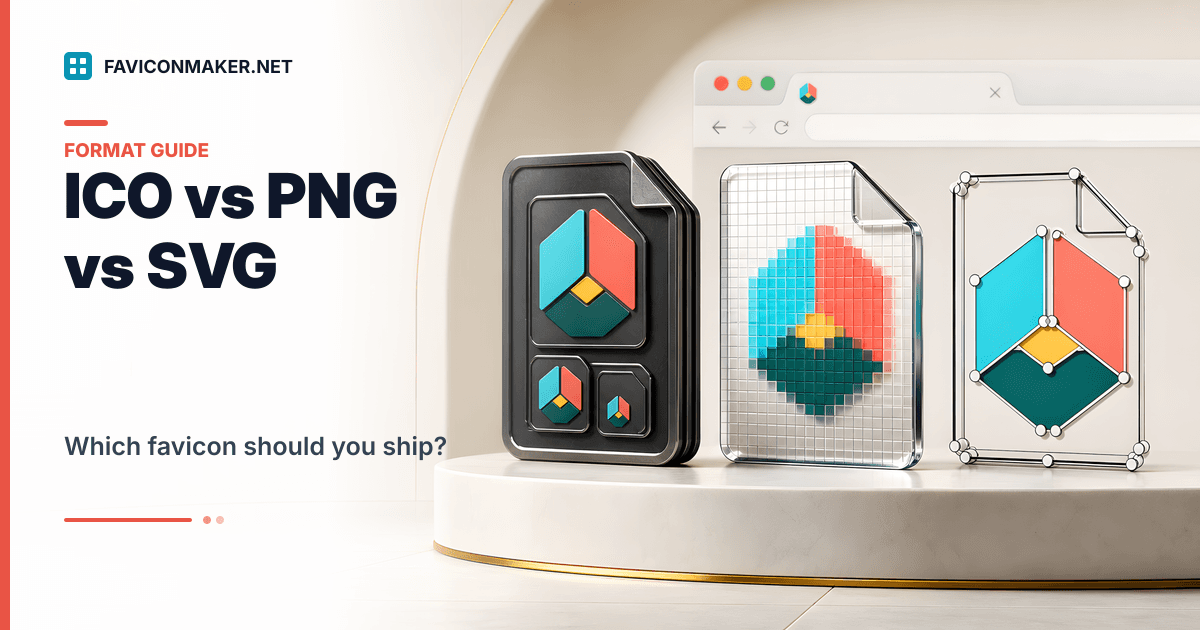
ICO vs PNG vs SVG favicons: what to ship (with a layered snippet)
A practical comparison of favicon formats. Ship an ICO for broad compatibility, PNGs for modern tabs, and SVG optionally; here is a safe snippet you can copy.
Safari pinned tab icon (mask-icon): how to add it without breaking your favicon pack
Pinned tabs in Safari use a monochrome SVG mask-icon. Add it as a small extra file, keep your normal ICO/PNG pack, and test it the right way.
Favicon not updating? Fix it with a cache-busting checklist
Browsers cache favicons aggressively. Use this short checklist to force an update, then verify what is live with the favicon checker.
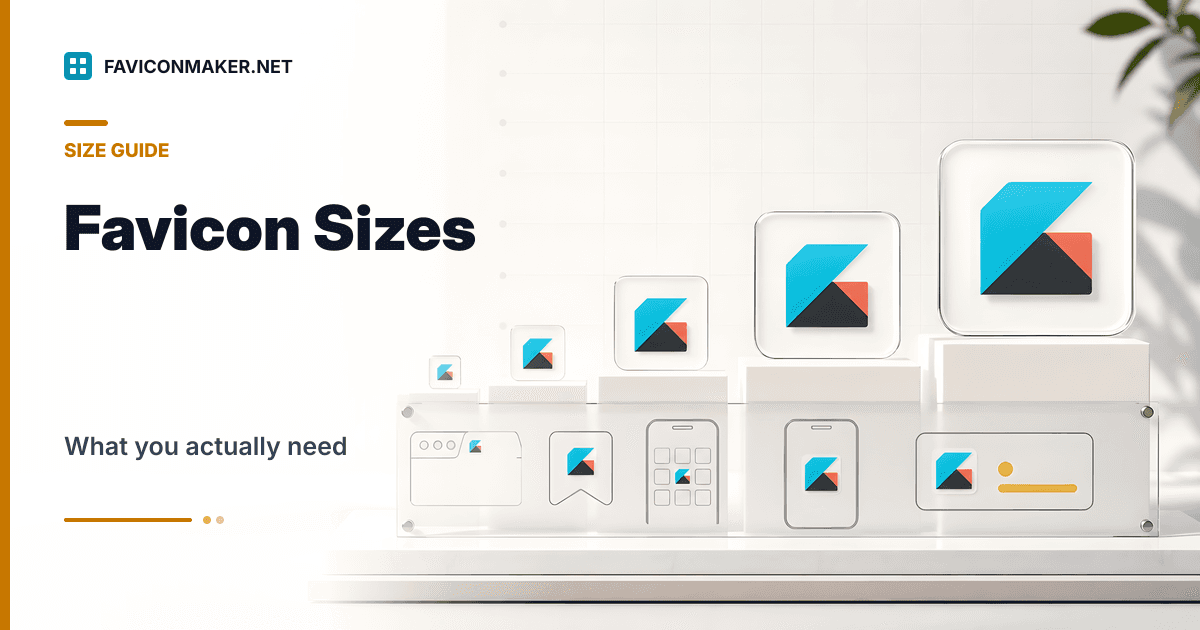
Favicon sizes: what you actually need (and what you can skip)
Stop guessing which favicon files to ship. Here is a pragmatic set that covers browsers, iOS, and PWA installs, plus a snippet you can copy.

Next.js Favicon
Add icons correctly with App Router file conventions, the Metadata API, generated images, or the Pages Router, then verify the production build.
PNG to ICO: generate a multi-size favicon.ico that stays crisp
A single-size ICO looks blurry. Use a multi-size ICO (16, 32, 48, 64) and start from a large PNG for clean results.
ICO to PNG: extract favicon sizes and pick the best one
If you only have an ICO file, you can still recover the embedded PNG sizes. Extract them, download the largest, and regenerate a full pack.

Favicon Test
Run a live icon audit, understand every result, and manually verify discovery, HTTP responses, dimensions, manifests, browsers, and Google Search.
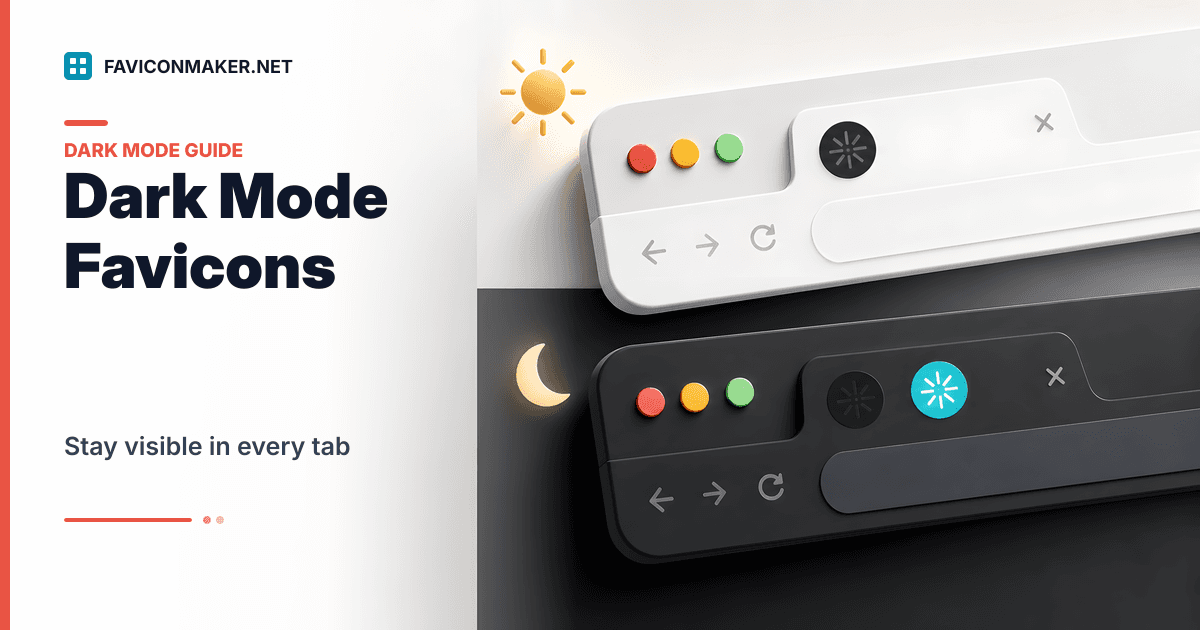
Dark mode favicons: ship a dark icon without breaking light mode
A single favicon can disappear on dark tabs. Use a light and dark variant with media queries and keep a safe fallback.
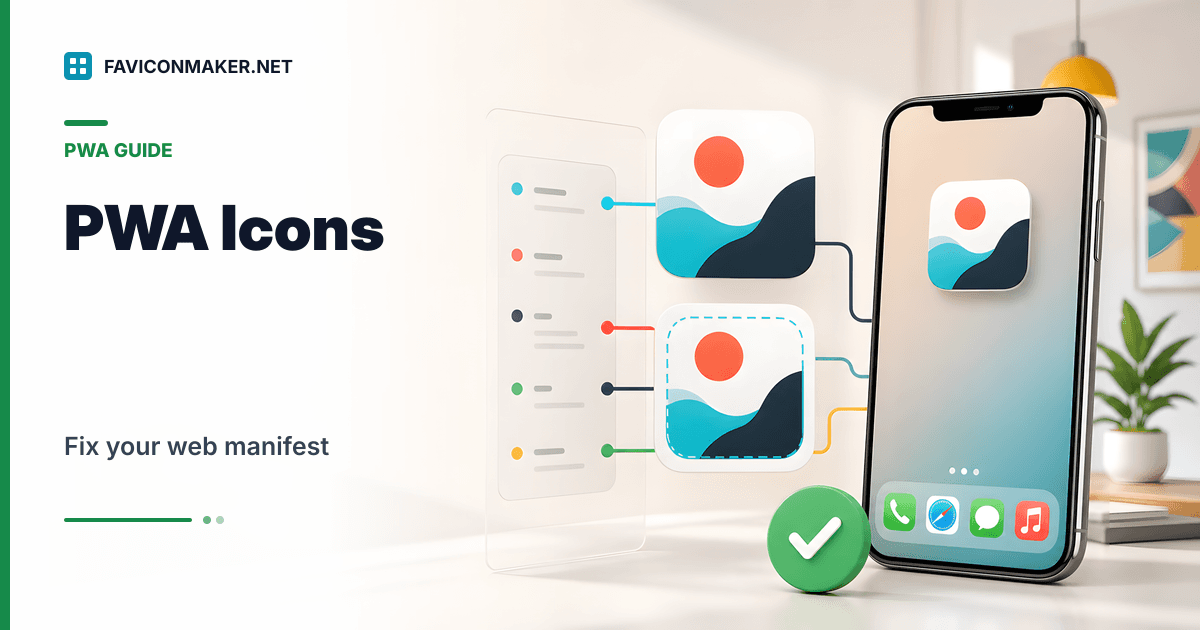
site.webmanifest icons: how to get PWA installs and home-screen icons right
If your site is installable, your manifest controls the icon users see. Generate a manifest that references real PNG sizes, then verify it.
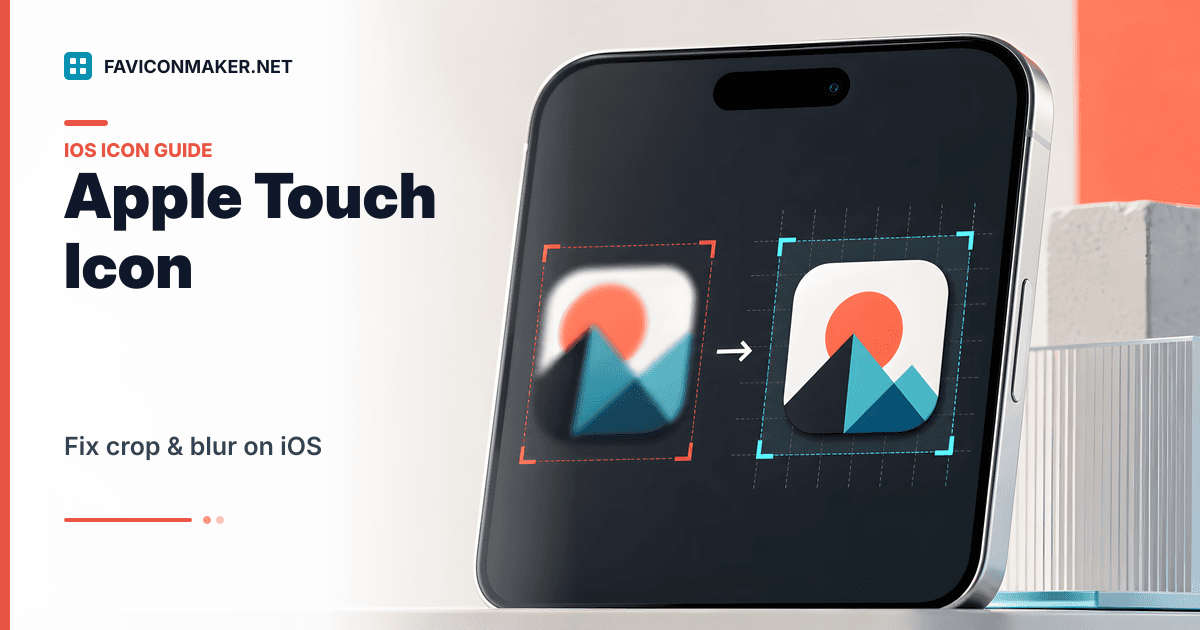
Apple touch icon: make it look right on iOS (no crop, no blur)
iOS uses apple-touch-icon.png for home screen icons. This guide explains why icons look cropped or blurry, and how to fix it with a proper 180x180 export.
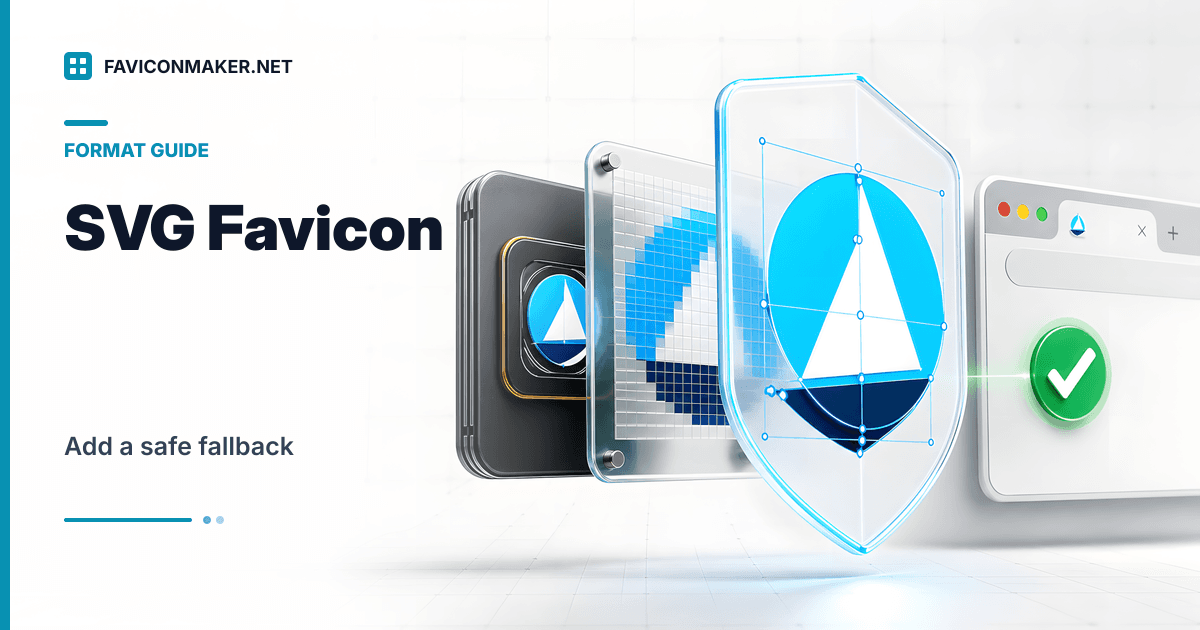
SVG favicon support: a safe strategy with PNG/ICO fallback
SVG favicons look sharp at any size, but support is not universal. Use SVG where it works and keep a generated ICO/PNG pack as fallback.