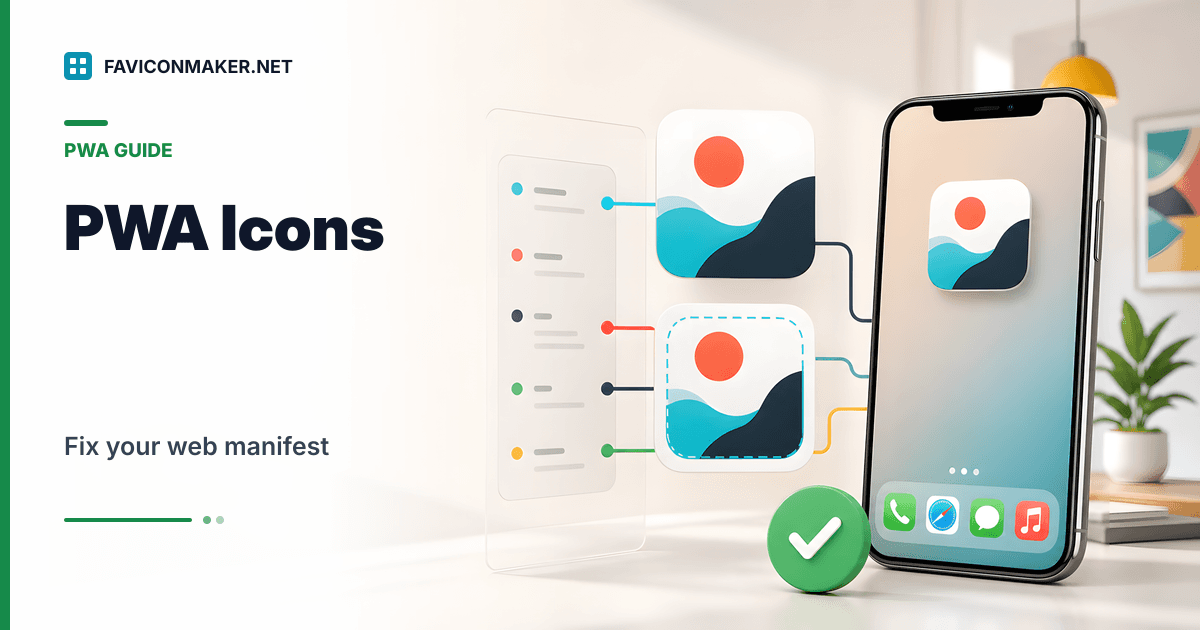
If your site can be installed (as a PWA), the icon users see often comes from site.webmanifest, not from favicon.ico.
If you want a complete setup without hand-editing JSON:
- Generate a pack with
site.webmanifestincluded: Favicon Generator - Already have icons and just need the JSON: Web Manifest Generator
- Need a dedicated maskable icon: Maskable icon generator
What the manifest is responsible for
A web manifest can define:
- App name and short name
- Theme and background colors
- A list of icon files and sizes
- Display mode and start URL
Browsers use this during installation prompts and when showing the installed app in the OS UI.
The most common manifest failure
The manifest exists, but the icons it references do not.
Example of a broken setup:
site.webmanifestreferences/favicons/favicon-512.png- You deployed your icons to
/icons/ - Installs show a generic placeholder icon
Fix: keep the manifest base path aligned with your deployed folder.
Example manifest (shape to aim for)
This is the general shape of a good manifest:
{
  "name": "My Site",
  "short_name": "My Site",
  "icons": [
    { "src": "/favicons/favicon-192.png", "sizes": "192x192", "type": "image/png" },
    { "src": "/favicons/favicon-512.png", "sizes": "512x512", "type": "image/png" },
    {
      "src": "/favicons/favicon-512.png",
      "sizes": "512x512",
      "type": "image/png",
      "purpose": "maskable"
    }
  ],
  "theme_color": "#0891b2",
  "background_color": "#ffffff",
  "display": "standalone",
  "start_url": "/"
}
You do not need to hand-write this. The Favicon Generator produces a manifest that references the icon sizes it generates, plus an optional maskable entry.
Where to place site.webmanifest
If you deploy the pack to /favicons, your manifest URL should be:
/favicons/site.webmanifest
And your <head> should include:
<link rel="manifest" href="/favicons/site.webmanifest" />
Verify it is correct (fast checks)
- Open your manifest URL in the browser and confirm it returns 200.
- Open the icon URLs listed in the manifest and confirm they return 200.
- Run the Favicon Checker and confirm it detects the manifest link.
Related tools
- Generate the pack + snippet: Favicon Generator
- Audit the live result: Favicon Checker