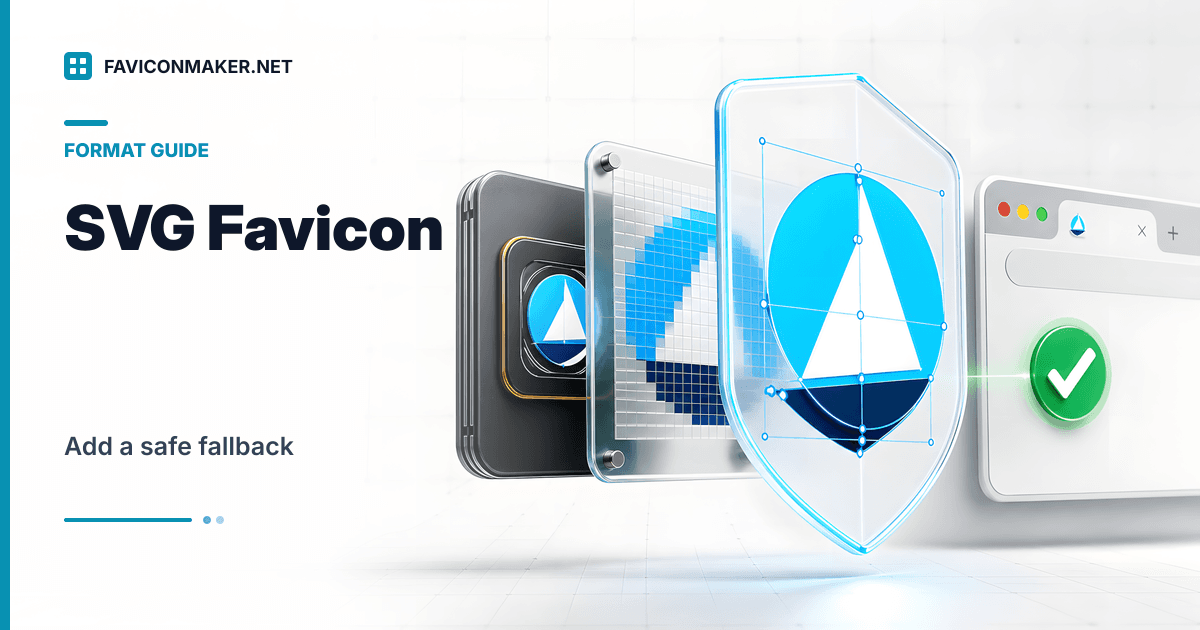
SVG favicons can look perfect at any size, but you cannot assume every browser or platform will use them. The safe approach is layered:
- Provide SVG for browsers that support it
- Provide PNG and ICO fallback for everything else
If you want a solid fallback pack quickly, generate one:
- Favicon Generator (upload SVG, get ICO + PNG sizes + snippet)
What SVG favicons are good at
- Crisp rendering at any scale
- Smaller file sizes for simple shapes
- No need to pre-render dozens of sizes (for browsers that accept SVG)
Where SVG favicons can fail
- Some older browsers ignore
type="image/svg+xml"icons - Some UI contexts still prefer PNG/ICO
- SVGs with external assets or complex filters can render differently
That is why you should keep PNG/ICO fallback tags.
A safe <head> tag order
Use SVG first, then PNG, then ICO:
<link rel="icon" href="/favicon.svg" type="image/svg+xml" />

<link rel="icon" type="image/png" sizes="32x32" href="/favicons/favicon-32.png" />
<link rel="icon" type="image/png" sizes="16x16" href="/favicons/favicon-16.png" />

<link rel="icon" type="image/x-icon" href="/favicons/favicon.ico" />
If you do not want to hand-write these, generate a pack and use the snippet as your baseline:
Then optionally add the SVG line above it if you ship an SVG file.
Practical advice for shipping SVG icons
- Keep the SVG simple. Tabs are tiny.
- Avoid external images or fonts inside the SVG.
- Avoid scripting. A favicon should be a static asset.
Verify what is actually live
Run the Favicon Checker on your production URL. It shows which icons are discovered and whether they return valid responses.
Related tools
- Generate a full fallback pack: Favicon Generator
- Convert a PNG into an ICO only: PNG to ICO
- Convert an SVG into favicon.ico: SVG to ICO
- Only have the old favicon.ico? Trace it into an SVG: ICO to SVG