If you are shipping one favicon file, you are guessing. Different browsers and platforms look for different formats, and some of them cache aggressively.
If you want the fastest path to a setup that works across tabs, iOS, and installs, start here:
- Generate a complete pack with the Favicon Generator (ICO + PNG sizes +
apple-touch-icon+ manifest + snippet). - Paste the snippet into your
<head>and deploy the whole folder. - Verify what is live with the Favicon Checker.
The short answer: ship a pack; add SVG only if you want it
A safe baseline for most sites is:
favicon.icofor broad compatibility and legacy pickers- 16x16 and 32x32 PNGs for modern browser tabs
apple-touch-icon.png(180x180) for iOS home screen iconssite.webmanifesticons (192 and 512) for PWA installs
SVG is optional. It can look sharp in places that support it, but you should not ship SVG as your only favicon.
What each format is good for
Here is the practical mental model:
| Format | What it is good at | Where it can fail |
|---|---|---|
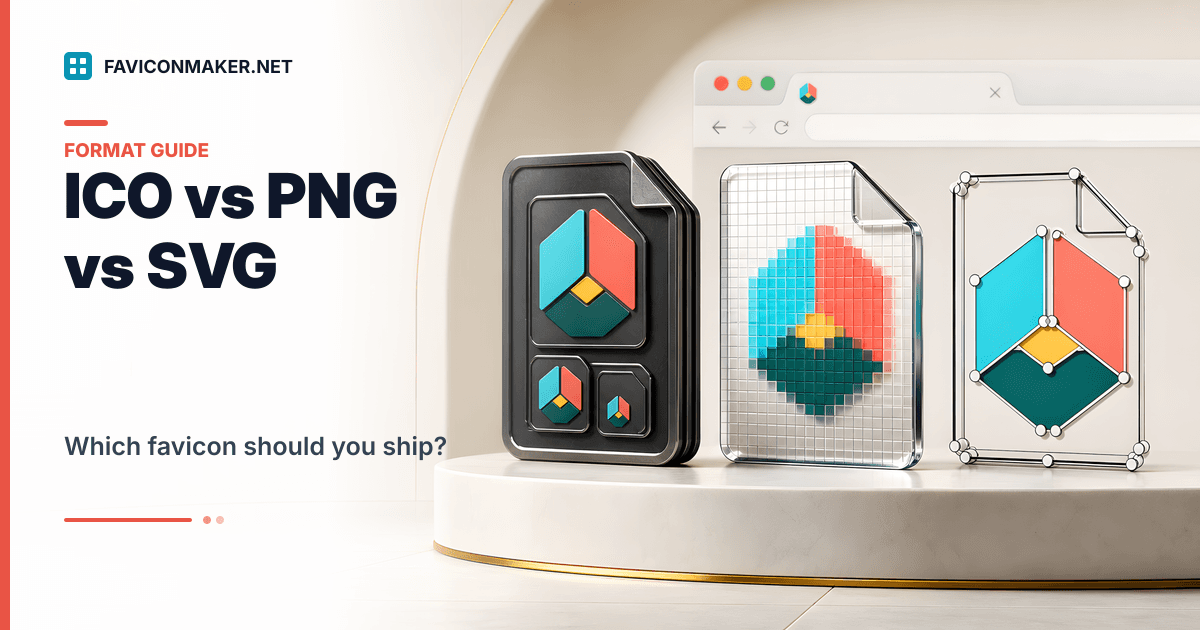
ICO (favicon.ico) | One file that can embed multiple sizes; widely recognized by browsers and tooling | It is not vector; small sizes can look muddy if the source art is complex |
PNG (favicon-32.png, favicon-16.png) | Crisp raster icons at explicit sizes; easy to debug in DevTools | If you only ship one PNG size, something will upscale it and look blurry |
SVG (favicon.svg) | Perfect scaling for simple shapes; often smaller for minimalist marks | Not every context accepts SVG; some user agents ignore it or prefer PNG/ICO |
The key idea: the formats are not competing; they are layered. You can ship all three, and the browser picks what it wants.
If you want spec-level background reading, MDN has a solid overview of the <link> element and icon rels.
A safe layered <head> snippet (copy this shape)
If your icons live in /favicons, this ordering is a proven approach:
<!-- Optional: SVG for browsers that support it -->
<link rel="icon" href="/favicons/favicon.svg" type="image/svg+xml" />

<!-- Baseline pack -->
<link rel="icon" type="image/x-icon" href="/favicons/favicon.ico" />
<link rel="icon" type="image/png" sizes="16x16" href="/favicons/favicon-16.png" />
<link rel="icon" type="image/png" sizes="32x32" href="/favicons/favicon-32.png" />
<link rel="apple-touch-icon" sizes="180x180" href="/favicons/apple-touch-icon.png" />
<link rel="manifest" href="/favicons/site.webmanifest" />
<meta name="theme-color" content="#0891b2" />
Two notes that prevent hours of confusion:
- The path must match where the files are deployed. If your files are in
/assets/icons/, update everyhref. - Keep the PNG and ICO tags even if you add SVG. SVG is an add-on, not a replacement.
If you do not want to hand-maintain this, generate a pack and use the snippet output by the Favicon Generator as your baseline.
When each format matters (real-world examples)
Scenario: you want the broadest coverage with the fewest moving parts
Ship the pack from the generator and stop there. For most marketing sites and web apps, ICO + PNG + Apple touch icon + manifest covers the important surfaces.
Scenario: your mark is geometric and looks perfect as an SVG
Add an SVG line above your pack. This gives you crisp rendering where SVG is supported, while your PNG/ICO tags cover everything else.
If you want a deeper, safe strategy for SVG + fallback, see: SVG favicon support: a safe strategy with PNG/ICO fallback.
Scenario: you only care about favicon.ico
Some teams do ship only favicon.ico. It can work, but it is fragile:
- You still need an iOS home screen icon if users add your site to the home screen.
- Some UI pickers prefer explicit PNG sizes.
If you want to do ICO-only for a quick prototype, generate it from a good source image with PNG to ICO, then come back and ship a full pack before launch.
Common mistakes (and what to do instead)
Shipping a single 512x512 PNG and hoping the browser scales it down
This often looks soft at 16x16. Downscaling is not magic, and tiny details disappear.
Do this instead:
- Start from a clean, square source (512x512 is a good baseline).
- Generate dedicated 16 and 32 PNGs and include them as explicit
<link rel="icon">tags.
Forgetting the Apple touch icon
If you care about iOS, ship apple-touch-icon.png and link it. iOS does not reliably reuse your tab favicon for home screen icons.
Serving icon URLs that redirect or 404
Browsers can silently fall back to cached icons when an icon URL fails. The fastest way to spot this is checking status codes.
- Run the Favicon Checker to see which icon URLs are detected and what they return.
Assuming you can "force refresh" favicon.ico with a query string
Cache busting works well for PNGs because you can change the URL (?v=... or a filename). For ICO, behavior is inconsistent across browsers.
If your ICO looks stuck, rename it and update the tag. This is covered in: Favicon not updating? Fix it with a cache-busting checklist.
Privacy and uploads (for generator users)
If you generate a favicon pack here, your image is uploaded for processing. It is processed in memory and discarded immediately after generation. Details live in the Privacy Policy.
FAQ
Do I need SVG at all?
No. A well-made ICO + PNG set is enough for most sites. Add SVG if you have a clean mark and want the extra sharpness where supported.
Do I need every PNG size under the sun?
No. The important tab sizes are 16 and 32. Larger PNGs are mainly for app installs and previews.
Can I skip favicon.ico in 2026?
If you want the least surprise across browsers and tooling, keep it. ICO is still widely recognized, and it is cheap to include in a pack.
Where do PWA icons come from?
From your Web App Manifest (site.webmanifest). If you want background reading, MDN has a clear guide to the Web App Manifest format.
Related tools and guides
- Generate a complete pack: Favicon Generator
- Audit what is live: Favicon Checker
- Create only an ICO from a PNG: PNG to ICO
- Extract images from an ICO: ICO to PNG
- Only have an ICO but want the SVG layer: ICO to SVG (real vector tracing)
- Moving a Mac app icon to Windows: ICNS to ICO
- What sizes matter: Favicon sizes: what you actually need (and what you can skip)
- Considering a moving icon: Animated favicon: what actually works in each browser