If your favicon.ico looks fuzzy, the usual cause is a low-resolution source or an ICO that only contains one embedded size.
The fastest fix is to generate a multi-size ICO from a good PNG:
- Convert a PNG into an ICO: PNG to ICO
- If you need a full pack (PNG sizes, Apple touch icon, manifest, snippet): Favicon Generator
Why multi-size ICO matters
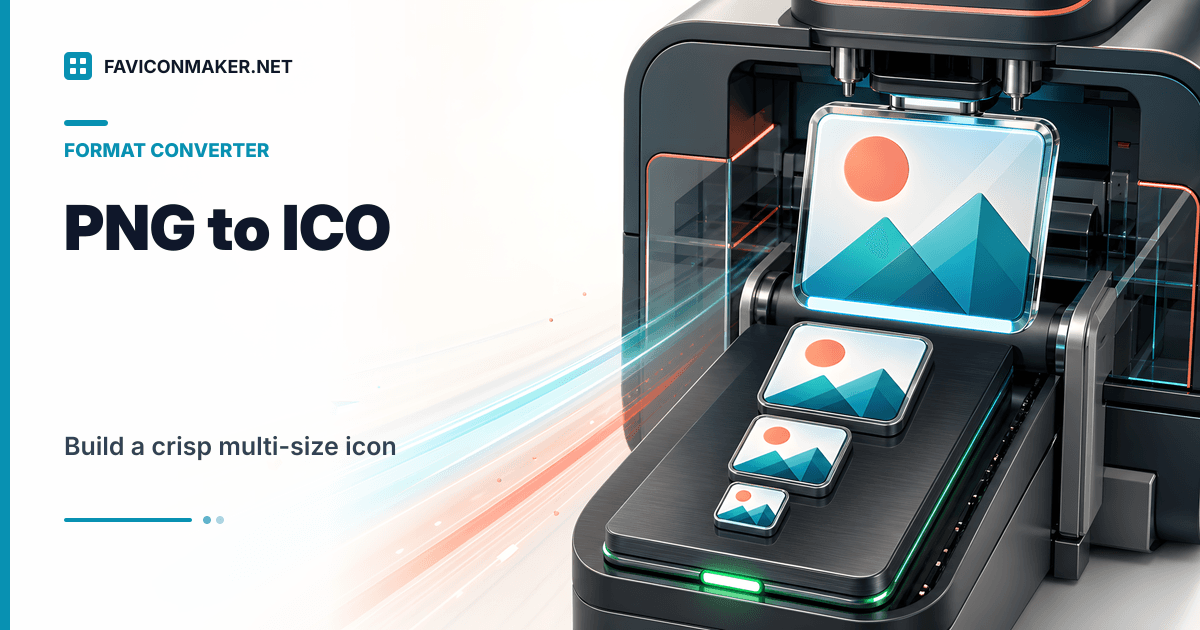
ICO is not a single image. A proper favicon ICO can embed multiple images, and browsers can pick the closest match.
If your ICO only contains 16x16, a browser might upscale it for a larger display context. That is where blur comes from.
Use the PNG to ICO tool (simple steps)
- Start with a square PNG. 64x64 is a minimum; 256x256 or 512x512 gives you more headroom.
- Open PNG to ICO.
- Upload the PNG.
- Select the sizes you want embedded (16, 32, 48, 64).
- Convert and download
favicon.ico.
If your source is smaller than 64x64, expect soft edges. The converter will warn because upscaling cannot invent detail.
Example: the correct tag for favicon.ico
Put favicon.ico in a public folder and reference it like this:
<link rel="icon" type="image/x-icon" href="/favicon.ico" />
If you keep it in /favicons:
<link rel="icon" type="image/x-icon" href="/favicons/favicon.ico" />
Common errors (and how to fix them)
"PNG file required"
An ICO converter should start from a PNG. If your asset is JPG or SVG:
- Export to PNG in your design tool, then retry, or
- Use the Favicon Generator to upload SVG/JPG and generate the full set.
The ICO looks wrong on Windows but the PNG looks fine
Windows may pick a different embedded size than your browser tab.
Fix:
- Make sure your ICO contains multiple sizes
- Start from a larger PNG
The icon has a weird background
If your PNG is not transparent (or has a non-matching background), the ICO will preserve that.
Fix:
- Export a transparent PNG, or
- Choose a background color in the Favicon Generator so the icon is consistent.
Related tools
- Extract PNG sizes from an existing ICO: ICO to PNG
- Starting from a Windows bitmap: BMP to ICO
- Need the same icon for macOS: ICO to ICNS
- Got a Mac
.icnsinstead of a PNG: ICNS to ICO - Want a vector copy of an existing ICO: ICO to SVG
- Audit what your site is serving: Favicon Checker