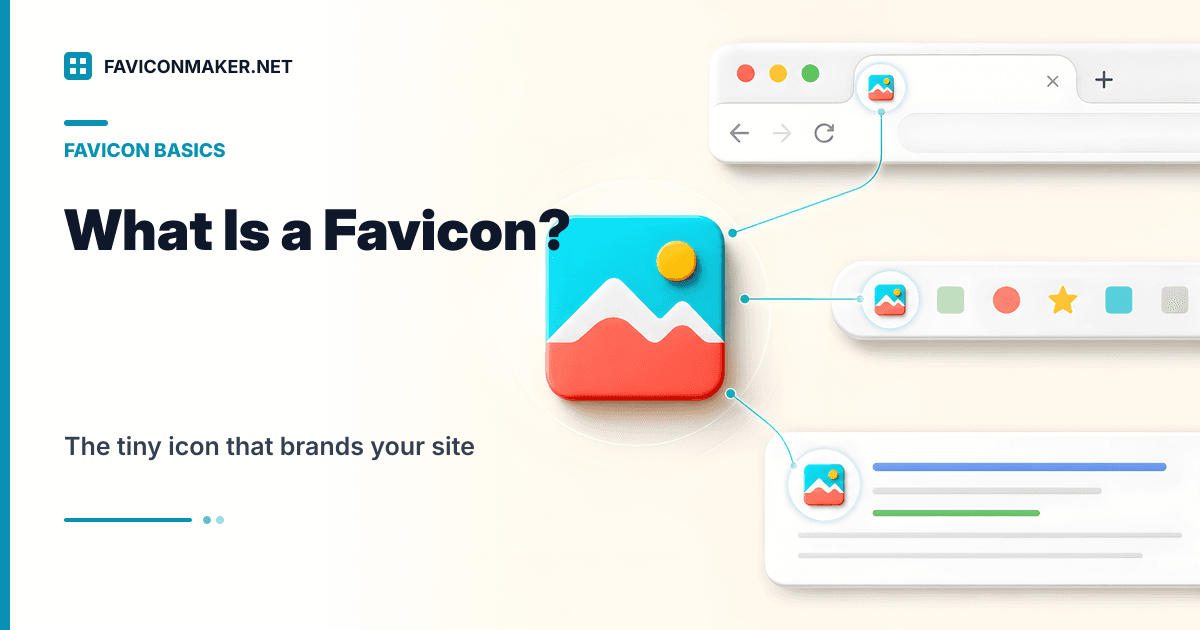
A favicon is the small icon that represents your website in places like:
- Browser tabs
- Bookmarks / favorites lists
- Browser history
- Some search results (Google may show a favicon next to your result)
If you’ve ever had 20 tabs open and used the tiny icons to find the right one, that’s a favicon doing its job.
This guide answers what is a favicon, shows where it appears, explains the different favicon files (ICO vs PNG vs SVG vs Apple touch icons vs web manifests), and gives you a modern, safe implementation you can copy.
Helpful references:
- Google: Define a favicon to show in search results
- MDN:
<link>element
The short definition
A favicon (short for “favorite icon”) is a small, usually square image associated with a website. Browsers use it as a visual identifier for your site.
Technically, a favicon is defined by one (or more) <link rel="icon" ...> tags in your HTML — plus a few historical defaults like /favicon.ico.
Where favicons show up (and where they don’t)
Favicons show up in more places than you'd expect:
| Surface | Icon source (typical) | Notes |
|---|---|---|
| Browser tab | PNG / SVG / ICO | Usually rendered at ~16×16 or 32×32. |
| Bookmarks | ICO / PNG | Cached heavily by browsers. |
| Browser history | ICO / PNG | Varies by browser. |
| Google results | rel="icon" / apple-touch-icon | Not guaranteed; Google has its own guidelines. |
| iOS home screen | apple-touch-icon.png | Separate from the tab favicon. |
| PWA install | site.webmanifest icons | Used for install banners and app icons. |
| Safari pinned tab | mask-icon (SVG) | Monochrome mask icon for pinned tabs. |
If you only ship one icon file, something will upscale it somewhere. The modern approach is to ship a small, layered set.
favicon.ico (multi-size fallback)
favicon-16.png + favicon-32.png
apple-touch-icon.png (180×180)
site.webmanifest (192/512 icons)
mask-icon (Safari pinned tab)
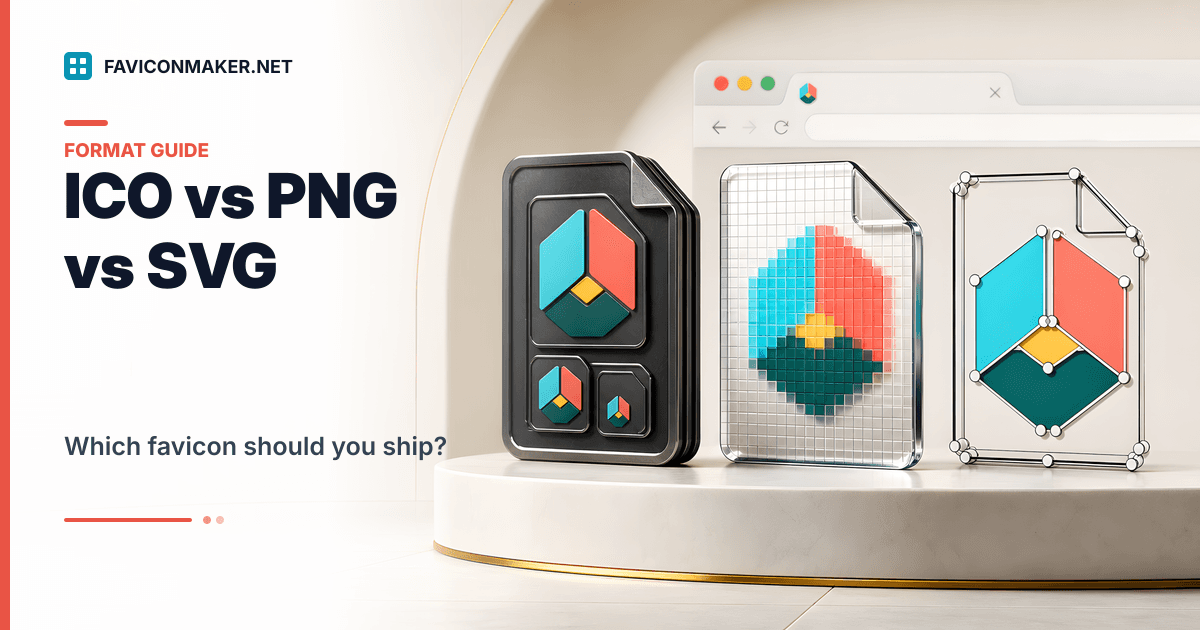
ICO vs PNG vs SVG: which favicon format is best?
There isn’t one “best” file. Each format does something useful:
| Format | Best for | Main downside |
|---|---|---|
ICO (favicon.ico) | Broad compatibility and legacy tooling; can embed multiple sizes | Not vector; can look muddy if the design is too detailed |
PNG (favicon-32.png) | Crisp raster icons at explicit sizes | You need multiple sizes for best results |
SVG (favicon.svg) | Sharp scaling for simple geometric marks | Not every surface supports SVG; don’t use SVG as your only icon |
The safe bet: ship ICO + PNG, and add SVG if you want. (Full breakdown: ICO vs PNG vs SVG favicons.)
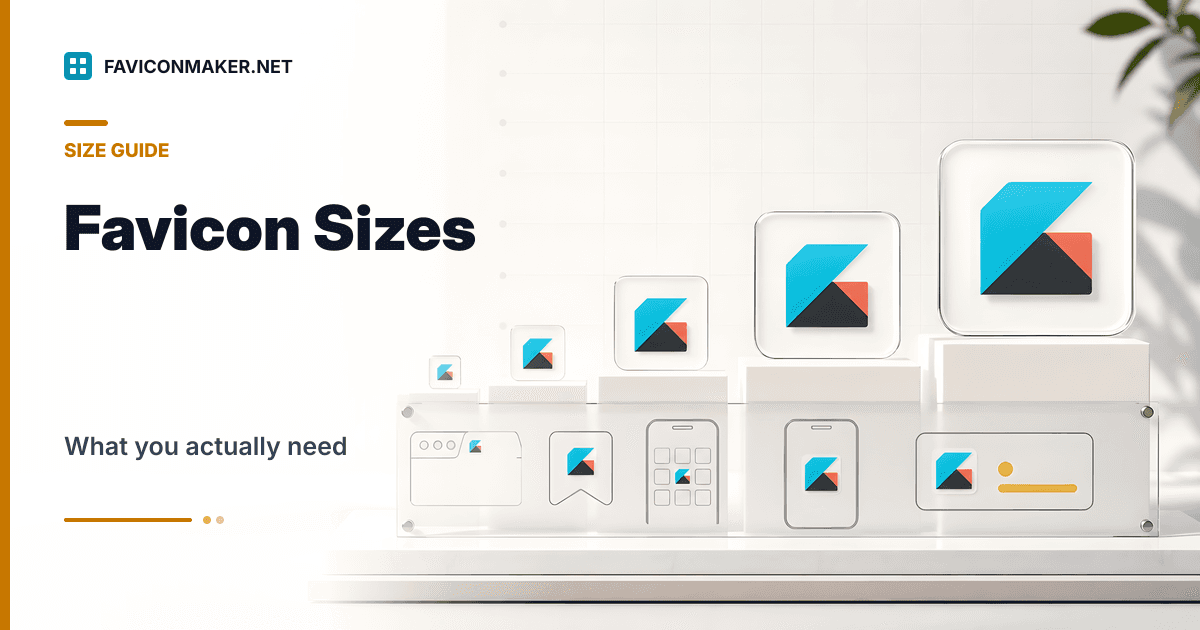
What favicon sizes do you actually need?
If you want broad coverage without overthinking it:
| File | Size | Why |
|---|---|---|
favicon.ico | multi-size | Legacy + fallback behavior |
favicon-16.png | 16×16 | Small tab / tight UI |
favicon-32.png | 32×32 | Modern tabs + higher DPI |
apple-touch-icon.png | 180×180 | iOS home screen |
android-chrome-192.png | 192×192 | PWA installs |
android-chrome-512.png | 512×512 | PWA installs |
If you want the deeper reasoning and edge cases: Favicon sizes: what you actually need.
How to add a favicon to your website (modern, safe snippet)
If your files live in /favicons, this is the safe layered shape:
<!-- Optional: SVG for browsers that support it -->
<link rel="icon" href="/favicons/favicon.svg" type="image/svg+xml" />

<!-- Baseline pack -->
<link rel="icon" type="image/x-icon" href="/favicons/favicon.ico" />
<link rel="icon" type="image/png" sizes="16x16" href="/favicons/favicon-16.png" />
<link rel="icon" type="image/png" sizes="32x32" href="/favicons/favicon-32.png" />
<link rel="apple-touch-icon" sizes="180x180" href="/favicons/apple-touch-icon.png" />
<link rel="manifest" href="/favicons/site.webmanifest" />
Two critical details:
- Use root-relative paths (
/favicons/...) so the browser doesn’t request icons relative to whatever page you’re on. - Make sure the files exist at those exact URLs in production.
If you don’t want to hand-build this, generate the pack + snippet together:
Favicons and Google search results (what’s required, what’s not)
Google can show a favicon next to your result, but:
- It’s not guaranteed even if you meet guidelines.
- Google typically extracts the favicon from your home page.
- Your favicon needs to be crawlable (home page + favicon URL).
Bottom line: keep your favicon URL stable and make sure the icon actually looks like your brand.
Why favicons “don’t update” (caching)
Browsers hold on to favicons longer than almost anything else. When you swap an icon, you'll often see:
- Correct file on the server
- Old icon still displayed in your browser tab
If that’s you, don’t keep re-uploading the same file. Use a real checklist:
Platform-specific guides
If you’re on a website builder or CMS, use the guide for your platform:
- How to Change Favicon in Squarespace
- How to Change Favicon in WordPress
- How to Change Favicon on Shopify
- How to Change Favicon on Wix
Video: favicon explained
FAQ
Is a favicon the same as a logo?
Not exactly. A favicon is usually a simplified version of your logo (or a single letter/mark) that stays recognizable at very small sizes.
Do I still need /favicon.ico?
It’s still a good idea. Many tools and user agents still probe /favicon.ico by default, and ICO is a helpful fallback.
Can a favicon be an SVG?
Yes — but don’t rely on SVG alone. Pair it with PNG/ICO fallbacks for broader compatibility.
Does a favicon improve SEO?
Not really. It won’t move you up in rankings, but it can make your listing more recognizable in tabs, bookmarks, and sometimes search results.
Next steps
- Generate a modern favicon pack + snippet: Favicon Generator
- Validate your icon URLs and headers: Favicon Checker
- Learn formats + fallbacks: ICO vs PNG vs SVG favicons