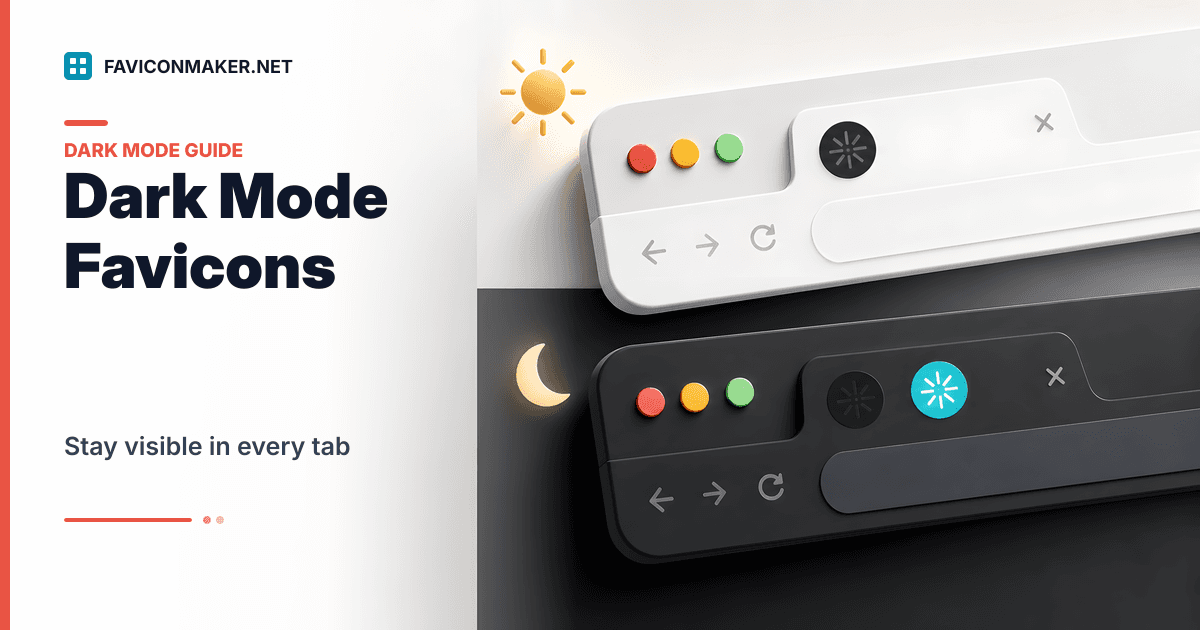
If your favicon looks fine on a light browser theme but disappears on a dark theme, the icon is usually too dark (or transparent) for the tab UI.
You do not need hacks. Modern browsers support switching icons via a media attribute:
- Generate a light and dark set: Favicon Generator (enable the "Dark variant" option)
The pattern to use (safe default + dark override)
Always provide a default icon first. Then add a dark-mode-specific icon that only applies when the OS/browser prefers dark.
Example:
<!-- Default (used by everyone) -->
<link rel="icon" type="image/x-icon" href="/favicons/favicon.ico" />
<link rel="icon" type="image/png" sizes="32x32" href="/favicons/favicon-32.png" />

<!-- Dark mode override (only applies in dark mode) -->
<link
  rel="icon"
  type="image/x-icon"
  href="/favicons/favicon-dark.ico"
  media="(prefers-color-scheme: dark)"
/>
<link
  rel="icon"
  type="image/png"
  sizes="32x32"
  href="/favicons/favicon-dark-32.png"
  media="(prefers-color-scheme: dark)"
/>
This keeps a safe fallback for browsers that ignore media on icons, while still giving modern browsers a better dark-tab icon.
How to generate dark variants quickly
- Open the Favicon Generator.
- Upload your logo (or use text initials).
- Enable "Dark variant".
- Download the ZIP and copy files into your chosen folder (for example,
/favicons). - Paste the generated snippet.
The snippet includes the dark-mode media attributes when dark variants are present.
What makes a good dark-mode favicon
- Keep the icon simple. Tabs are tiny.
- Increase contrast; avoid dark-on-transparent.
- Add padding so the mark does not touch the edges.
If you are using a text favicon, pick a background and foreground that both read well on dark tabs.
Common mistakes
Only shipping the dark icon
If you only ship a media="(prefers-color-scheme: dark)" icon and no default icon, some browsers may show nothing.
Always include a default icon first.
Testing without clearing caches
Favicons are cached aggressively. Test in an incognito window and hard reload.
If you are stuck, use this checklist:
Verify it is working
Run the Favicon Checker on your live URL. It will show which icon URLs are present and whether they are reachable.
Related tools
- Full pack + snippet: Favicon Generator
- Audit live coverage: Favicon Checker


